NCH Software Home
Home | Download | Support | Products | SiteMap  
 

Pixillion Image Converter Software

Convert images file formats on Windows

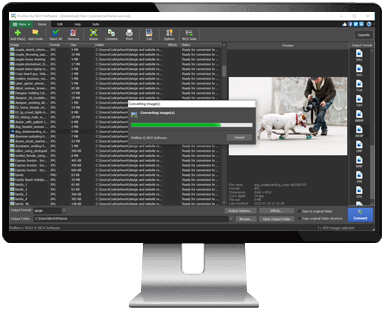
A free image converter for Windows that can take your file and convert it to the format you need. It can convert many different formats to gif, jpg, png, pdf and more. You can preview images before you convert, as well as current file parameters including file format and dimensions.

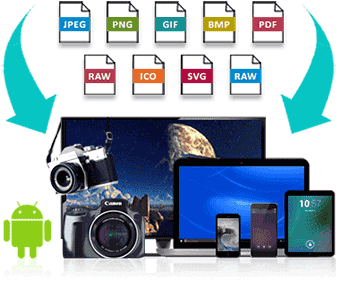
Put any photo, anywhere. The easy one-click process makes it perfect for converting your image files for putting on the web, emailing to friends, or displaying on your mobile phone.

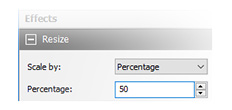
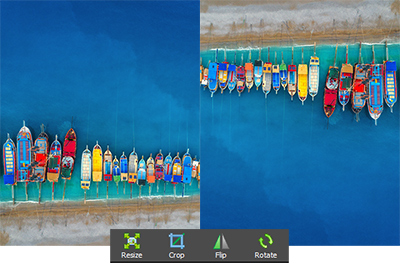
Boasts powerful features including batch conversion, advanced image resizing, and conversion to PDF. Pixillion also lets you convert images directly from the right click menu.

We make this software free in the hope you will like it so much you will upgrade to Pixillion Plus which supports additional features including batch conversion and watermarks.

Click here to Download Pixillion Image Converter Program Download Now Download Pixillion Plus Purchase Pixillion Plus

Supported File Formats:
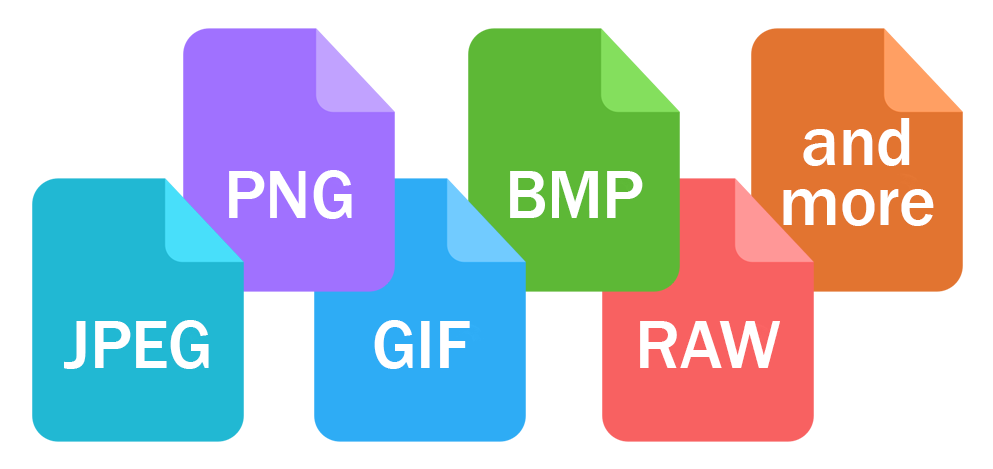
Pixillion will convert from any of these formats:
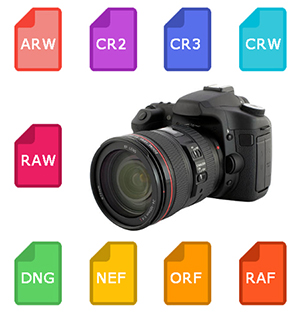
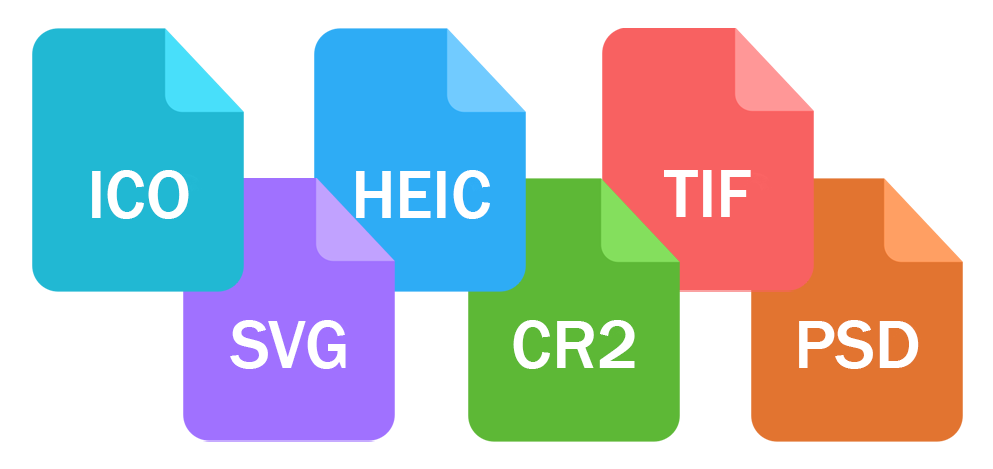
  • .png, .gif, .jpg, .jpeg, .bmp, .jp2, .psd, .tga, .pcx, .tif, .tiff, .wbmp, .ras, .pgf, .ppm, .dng, .raf, .crw, .cr2, .kdc, .dcr, .mrw, .nef, .orf, .ptx, .pef, .arw, .srf, .x3f, .erf, .mef, .mos, .raw, .r3d.
To any of these formats:
  • .png, .gif, .jpg, .bmp, .pdf, .jp2, .psd, .tga, .pcx, .tif, .wbmp, .ras, .pgf, .ppm.

Click here for more Screenshots of Pixillion Image File Converter
Features
  • Convert between many different formats.
  • Adjust the quality of your jpeg and pdf files.
  • Use your right click menu to convert from outside the program.
  • Add text captions to your images.
  • Batch converts thousands of files at once (Plus Edition).
  • Add a watermark to your images (Plus Edition).
  • Convert your PDF to A4, Letter or Legal size.
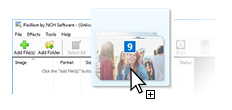
  • Load images directly from a CD, Windows folder or drag and drop them straight into the program.
  • View your images and format information before converting.
  • Integrate with Express Burn Disc Burning Software to save your photos and images to CD or DVD.
  • Create your own command line automation.
  • Combine with PhotoStage Slideshow creator to produce slideshows.
  • Edit with PhotoPad Picture Editor to crop, resize, add effects and more.


System Requirements

  • Windows 2000/XP/2003/Vista/2008 and Windows 7
  • For earlier Windows versions (98, ME) please click here
Download Pixillion Software

This software can be downloaded by clicking on one of the following links:

Once download is complete run the file "pixsetup.exe" to install. When the file has installed, please select Help to view (or print) the complete manual.

More Information...


Image Converter
 
Introduction
Features
Screenshots
System Requirements
Download
 - for Windows
Purchase
Questions (FAQs)
Technical Support
 
 
Related Software
 
Slideshow Creator
Image & Photo Editor
Audio File Converter
Video File Converter
Sound Editor
Soundtrack Creator
CD/DVD Burner
CD Ripper
Audio Recorder
Vinyl Record Converter
More software...


  © NCH SoftwareTop | Privacy | Legal | Home