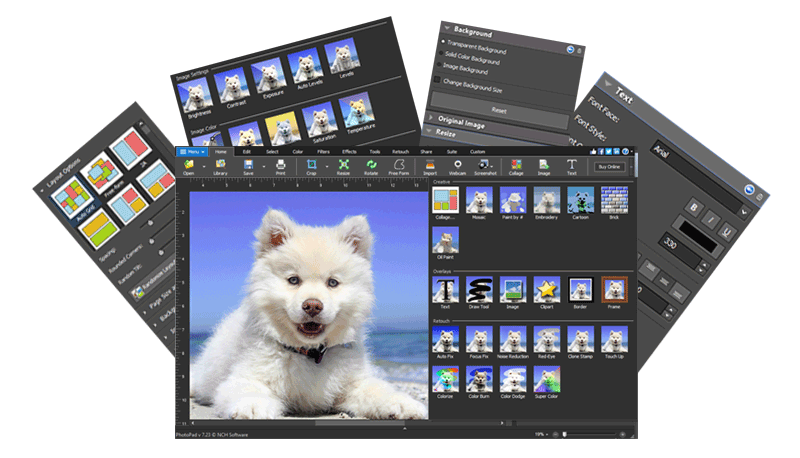
Start Editing your Photos Today
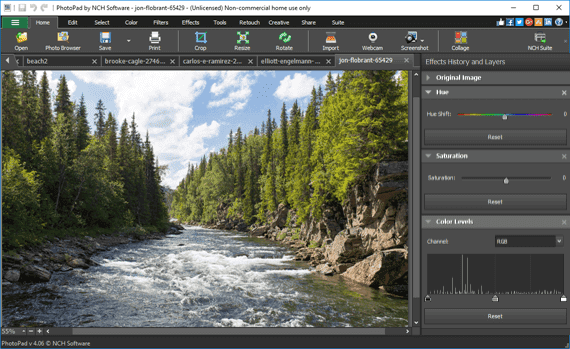
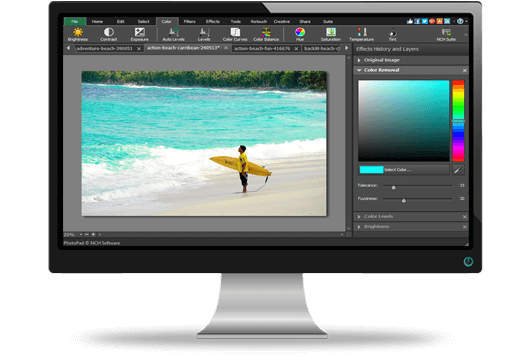
PhotoPad Photo Editing SoftwareEdit Your Photos and Images Easily Easy picture enhancing tools for beginners and advanced tools for professionals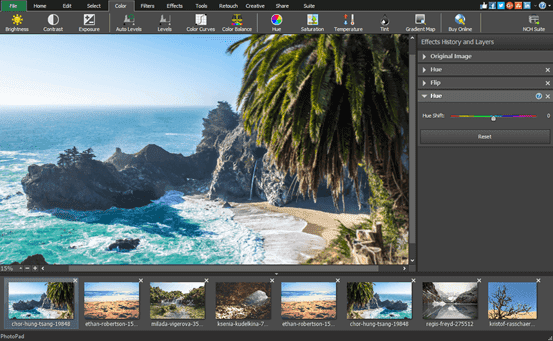 PhotoPad is perfect for editing and enhancing your photos quickly PhotoPad picture editor is the fastest and most fun way to edit your digital photos. PhotoPad is one of the most stable, easy-to-use, and comprehensive photo editors available.
Get it Free. PhotoPad free photo editing software is available for non-commercial use only. If you will be using PhotoPad at home, you can download the free version here. No signup required. Photo Editing Features
Smart, Simple and Feature-Packed Editing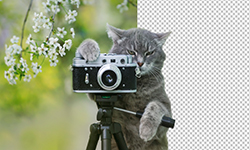  Delete Background Delete Background 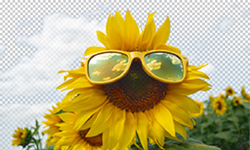  Remove Color Remove Color 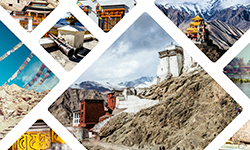  Collage Collage 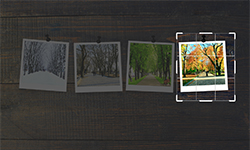  Crop Crop 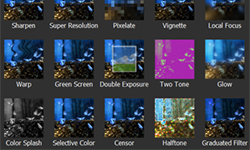  Effects Library Effects Library 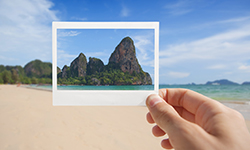  Unblur Unblur Image Editing Features
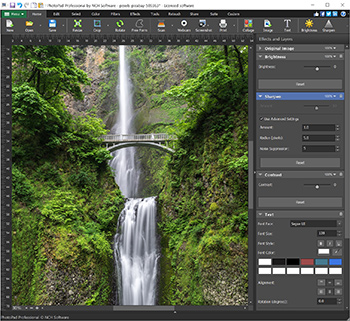 |




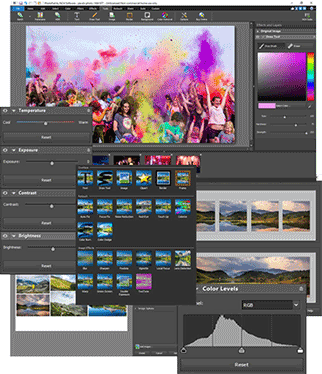







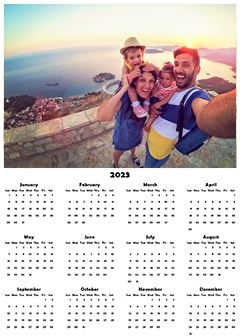



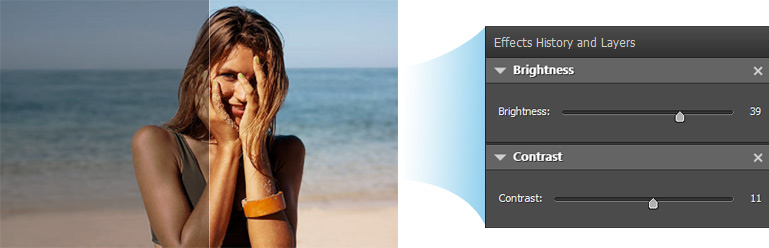
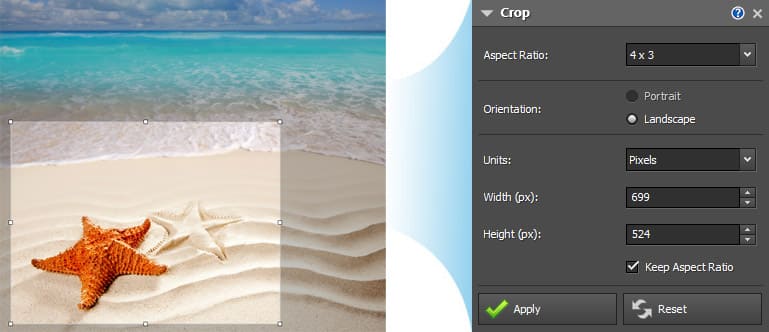
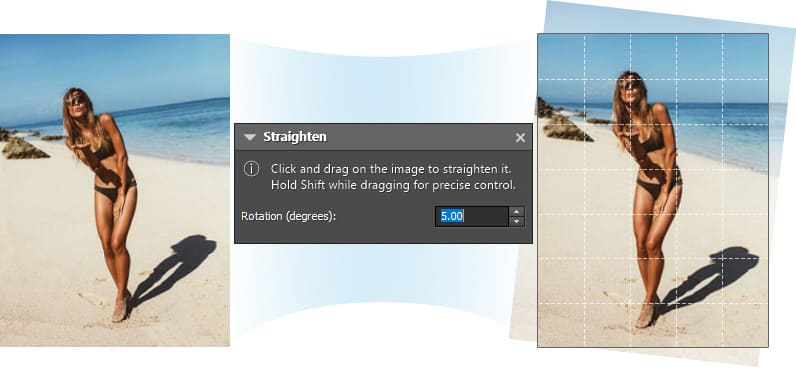
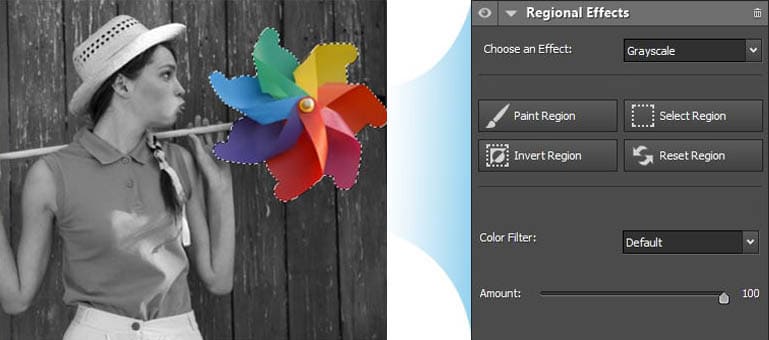
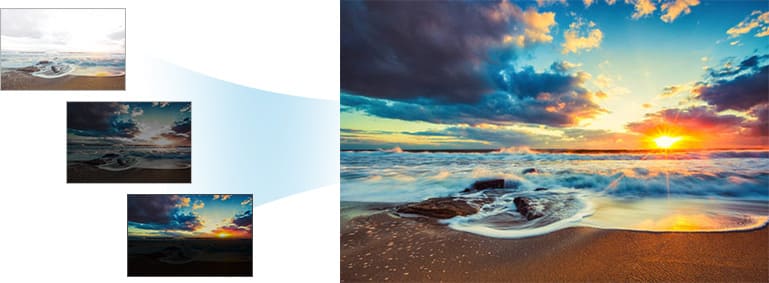
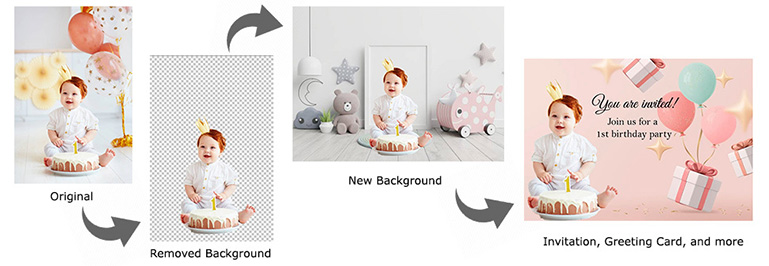
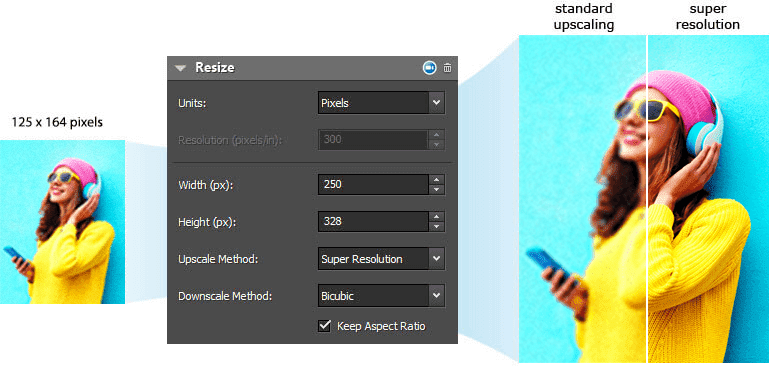
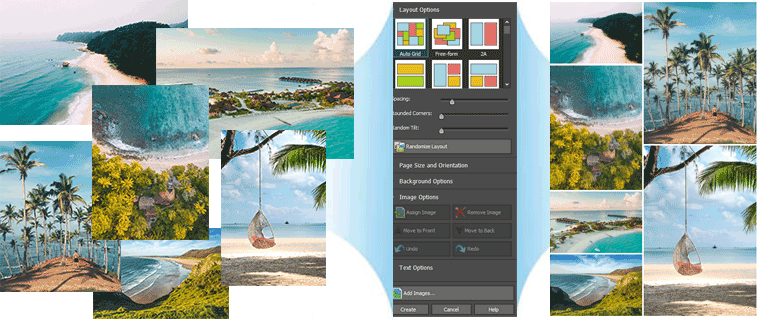
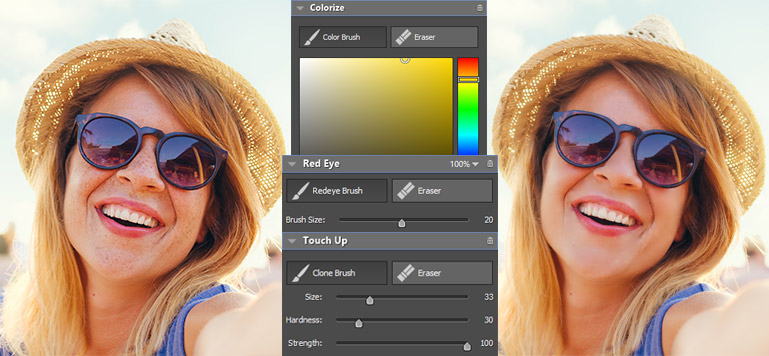
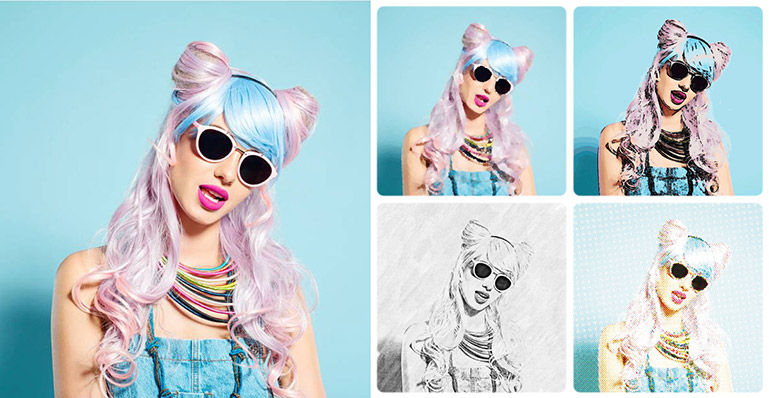
Brightness and ContrastSometimes photos turn out either too bright or too dark. The Brightness and Contrast tools let you make simple adjustments to the tonal range of an image. Resize and CropUse the Crop tool to make a rectangular photo square or to focus on one portion of your photograph. It's also easy to resize your photo for the web or for print using the image resize tool. StraightenFix tilted horizon or a crooked photo with the Straighten tool. Regional EffectsRegional Effects is a powerful tool which gives you the ability to apply effects and filters to selected portions of your photo. Select a part of your image and apply an effect or use the paint brush to paint an effect onto part of your picture. HDR ImagesEasily combine several differently exposed photographs into one HDR image. Background ReplacementUse Selection and Background tools to replace the background in your photos with transparency, color or another image. Resize with Super ResolutionPhotoPad uses AI and Machine Learning when resizing your pictures to a higher resolution. Upscale your pictures while maintaining dazzling image quality. Enhance photo size and increase photo resolution. Collage and Photo MontageUse the Collage tool to combine different photos in an organized layout. Select from one of the pre-designed layouts or design your own collage with the freeform layout. Select a background color or pattern and more. Retouch PhotosRemove red eyes, stamp out blemishes, whiten teeth and more with our easy to use touch-up tools. Photo to ArtTransform your photo to cartoon, oil painting, sketch and more. Turn your photos into a work of art. Easier with AIEnhance images a lot easier with the built-in photo editing tools powered by AI. Automatically add color, delete background, reduce noise, remove object, create a panorama, upscale images, unblur or turn images to artwork in just a few clicks.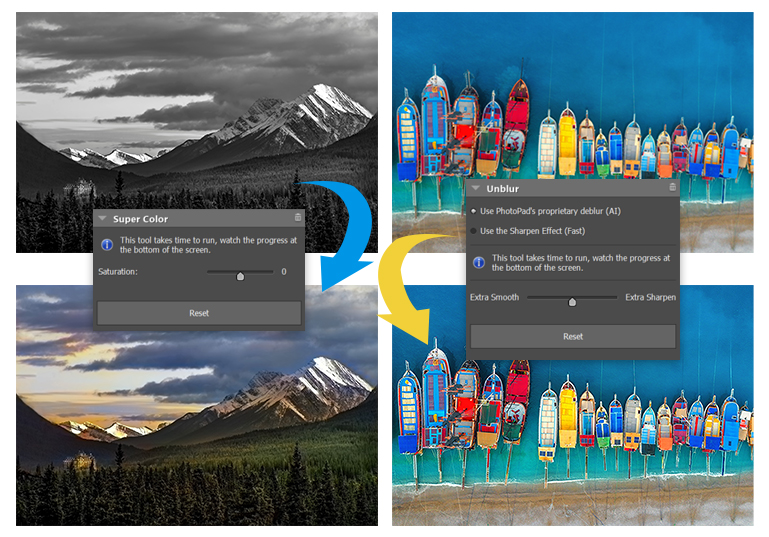 Censor Parts of a PhotoBlur or pixelate selected parts of an image you wanted to mask. Useful for protecting privacy, unwanted parts or sensitive information included in the original photo. Adjust the level of pixelation by using the tool's slider. Photo MosaicCreate photo mosaic in just a few clicks using your existing photos. Set the image folder that you want to use and adjust the number of tiles per column and row.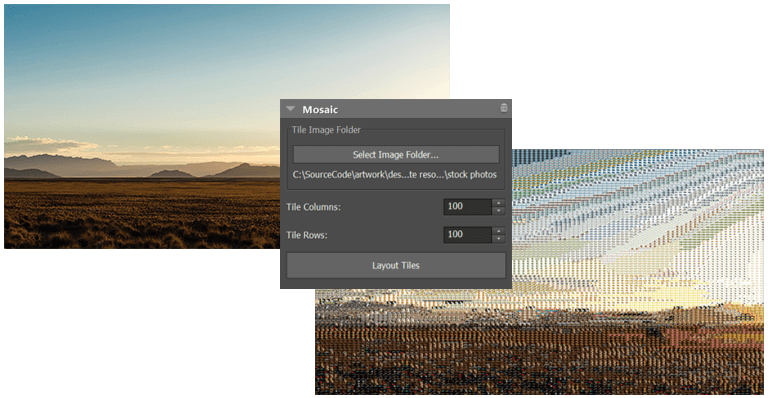 Blur Backgrounds for Social Media Ready PhotosMake your subject stand out by adding a focus and easily blurring distracting background. Perfect for creating profile pictures, eye-catching posts and engaging story content that pops on social media. |




Add Filters easily with the best photo editorStart editing your images today Download Now | 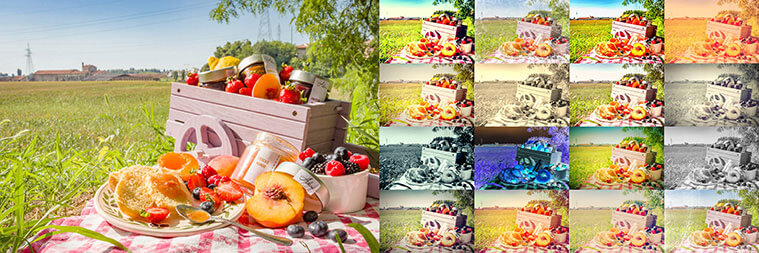 |

Top reasons to try PhotoPad Image Editor
1Powerful Editing Tools
Choose from our extensive selection of powerful editing tools.
2Retouching tools
Instantly remove red-eyes, over-exposure and other common issues.
3Millions of Effect Combinations
Pick and choose from our vast array of photo effects and filters.
4Edit RAW Images
PhotoPad supports editing photos directly from your DSLR Camera. View All Supported Formats
5Fix your photos instantly
Use our auto-levels tool to automatically fix lighting issues.
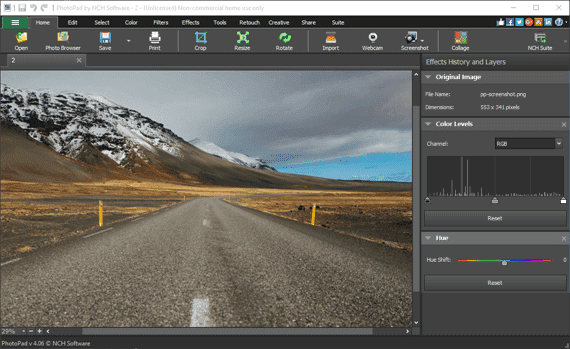
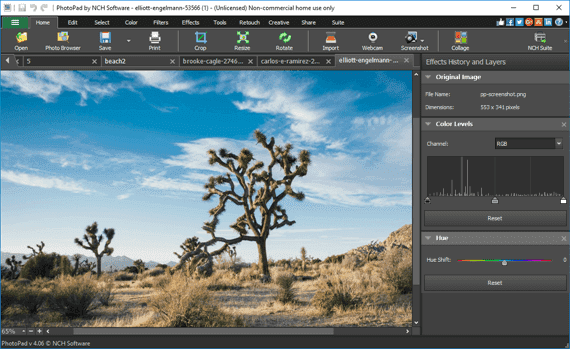
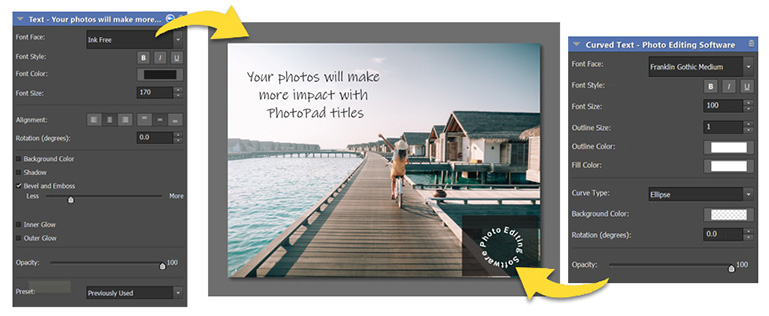
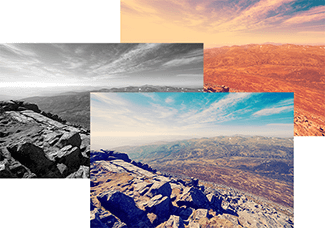 Smart Effects & FiltersApply effects and filters to your images in just a few clicks | 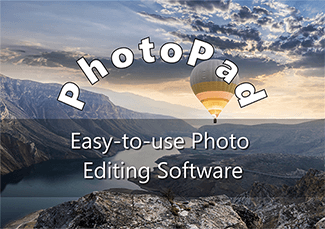 Smart Text StylingChoose from a variety of font faces and effects to highlight your text even better | 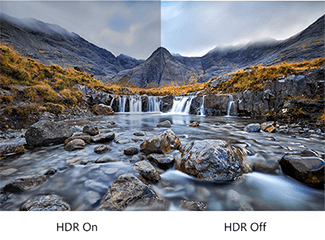 Smart HDRCombine low, mid and high exposure images to create the best looking photo |
Download PhotoPad Picture Editing Software | System Requirements
Purchase PhotoPad Photo Editor (Pro License) |






Powerful Photography Tools and Features
Easy-to-use photo editing tools for enhancing your photos and professional tools for creating art.