Start Capturing Video Today
Video Capture Features
REC 00:07:37:88 Record anything you want from your computer screen   Debut is great for recording your screen, webcams, live video, streaming games and plenty more!Download Now |
 |
Video Capture Features
REC 00:07:37:88 Record anything you want from your computer screenDebut is great for recording your screen, webcams, live video, streaming games and plenty more!Download Now |
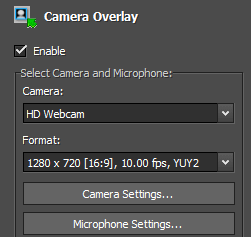
Record Screen & Webcam Source SimultaneouslyUse video overlay to record your screen and webcam simultaneously. This feature of the webcam software is perfect for YouTube videos where you want to show both your screen and your facial reactions simultaneously.
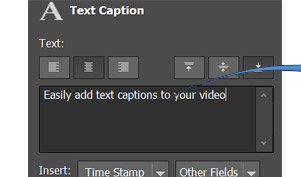
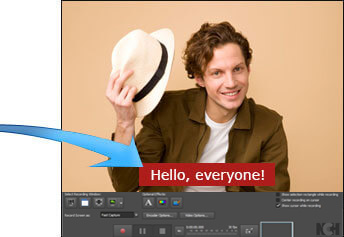
Add Captions to your Captured VideosDebut lets you add captions to your video recordings. Personalize your video recording captions with the built-in text editor.
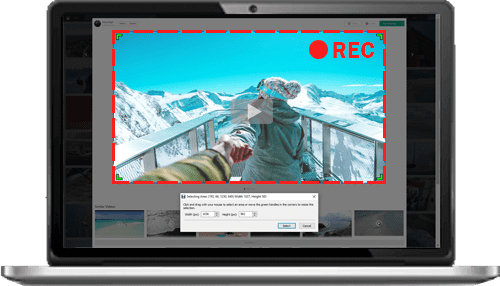
Handy Video Color AdjustmentsWhen you adjust the color settings and effects of your streaming video, the results can be seen instantly in the main window and captured when you hit record. Adjusting the brightness, contrast and gamma is perfect for lesser quality cameras whose image quality is not quite right.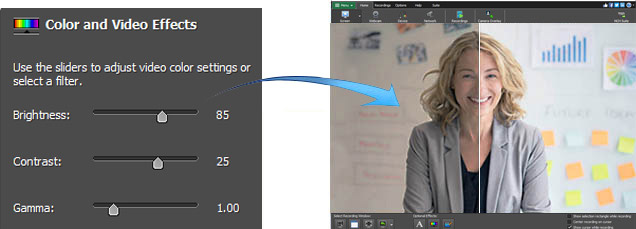 Flexible Video Output SettingsChoose the size and frame rate used to capture your screencast video. Debut has a list of common output settings for TV and HD that you can select, or enter the width and height yourself for a custom output. This flexibility makes Debut perfect for people creating videos for many different outputs (e.g., YouTube, Facebook, CD or television).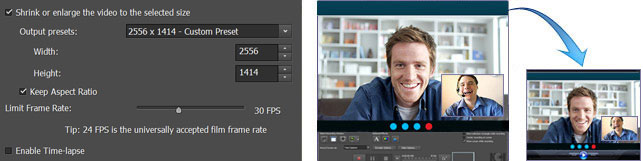 Screen Recording Software Screen SelectionsDebut records the entire screen, a single window or any selected portion. Debut also supports multi-screen recording so you can record all your monitors. Easily Trim your RecordingTrim your video to remove unwanted parts at the beginning or end. Remove pauses, mistakes or unwanted sections on your recordings.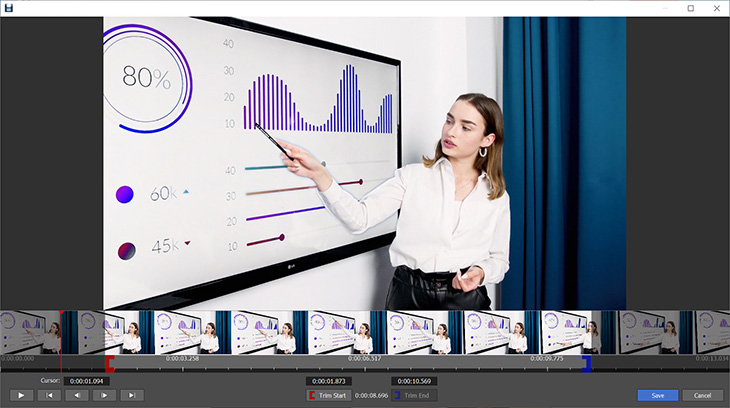 |
Get Debut Now.Capturing video on computer, webcam or recording device has never been this easy Start Recording Start Recording Works on |
System Requirements
| Download Debut Video Recording Software |
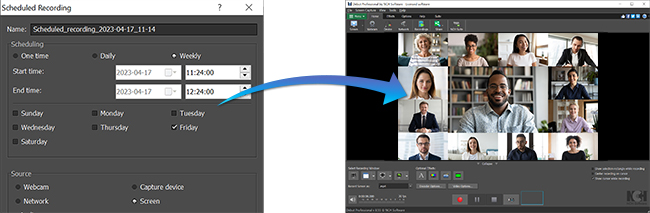
Video Capture or Screen Recording in 3 Simple StepsStep 1: Select recording source 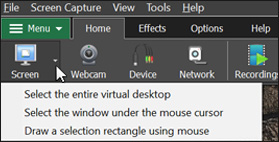 Step 2: Select recording window 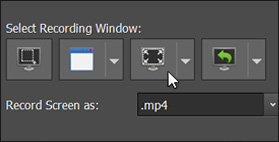 Step 3: Hit the record button Download Now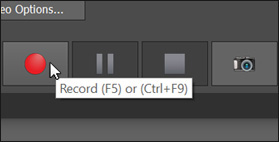 How to Schedule a RecordingPlan an automatic recording session and rest assured your video is captured at the desired time, even when you are not there to press the Record button. Step 1: Open recording options 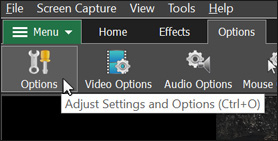 Step 2: Set up a scheduled session 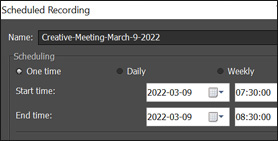 Step 3: Starts automatically Download Now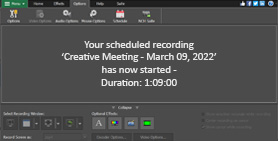 How to Add a WatermarkAdd a watermark to your video recording using an image of your choice. Easily adjust the opacity, size and position of your watermark image. Step 1: Select Watermark effect 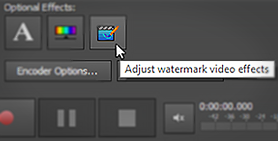 Step 2: Select your image file 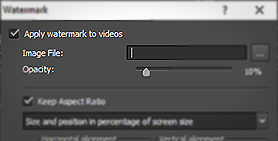 Step 3: Position and record Download Now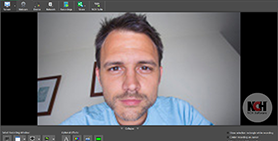 |
Powerful Video RecorderEasily record quality videos from your webcam, computer screen, network camera or external device with just a few clicks. 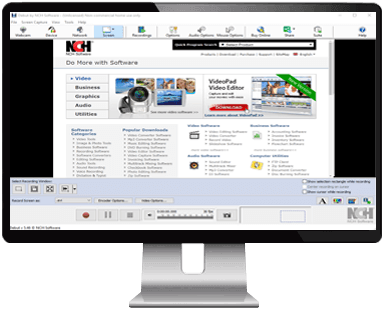 |





 Windows and
 Mac
Mac