Classic FTP File Transfer Software
Maintain your website with this easy FTP client for Mac and PC
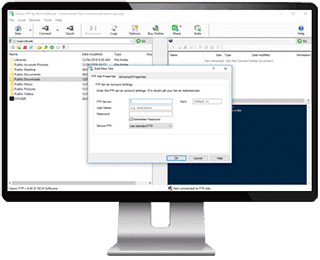
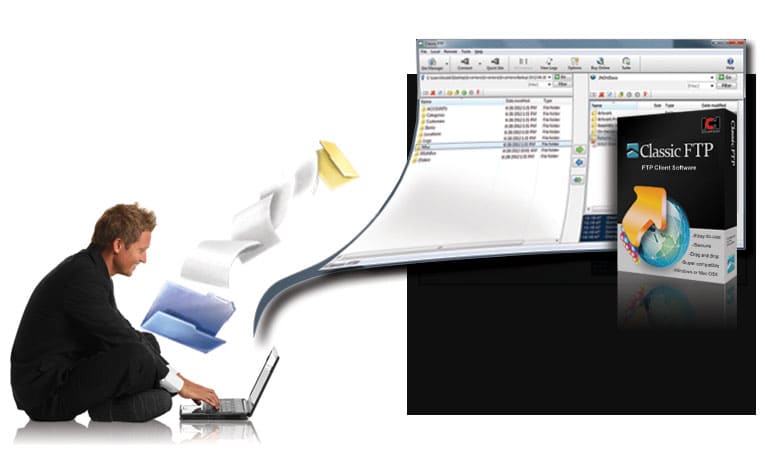
Classic FTP lets you upload, download, delete and manage files on a remote server or website using the file transfer protocol. This program is designed to look and feel like a traditional ftp client while supporting the very latest FTP features.
Easy and Reliable FTP Site Maintenance
Classic FTP's easy to use interface makes locating and editing files on your website easy. You can also upload or download files with a single click of a button.
This FTP software is complete with a useful "Synchronize" feature, where a click of a button scans the local folder and uploads any files not in the remote folder. Classic FTP also allows you to synchronize navigation of a local folder with a remote folder, saving you time and reducing the risk of uploading files to the wrong folder.
|
Download Now
Purchase
|
More file transfer screenshots >>>
|
File Transfer Features
- The intuitive user interface makes uploading files to the internet easy
- The Synchronize tool checks local and remote folders for the most up-to-date copies of everything
- Drag and Drop files between Windows Explorer and Classic FTP
- Supports the secure FTP protocol (SSL)
- Compatible with all popular FTP servers
- Runs on both Windows and Apple Mac OS X
- Easy setup wizard to help you establish FTP site connections
System Requirements
- Windows XP/Vista & Windows 7
- For earlier versions please see Windows 98/ME and Windows 2000 respectively for legacy software.
- Mac OS X 10.3 or later
|
|
Download Classic FTP Professional Client Software
|
Not the Right FTP Software?
|
Looking for something more automated?
Try Fling FTP Sync Software, perfect for uploading and syncing files on a server from a local folder.
|
|
|