![]() | |
| Home | Download | Support | Products | SiteMap |
| Top Features |
|
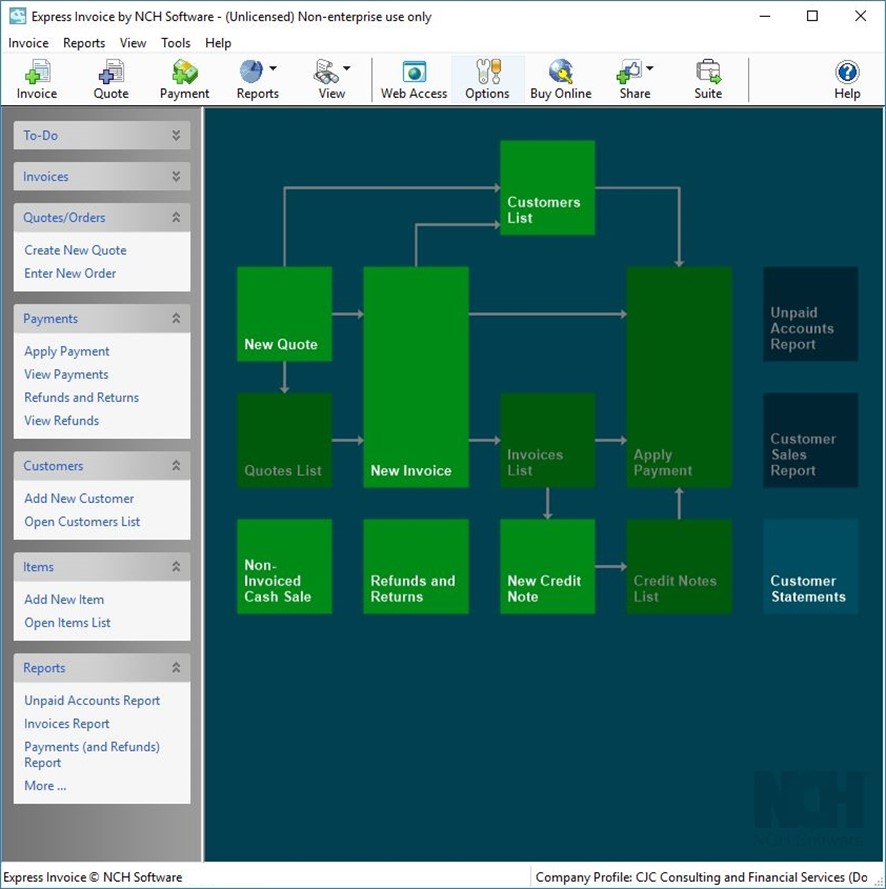
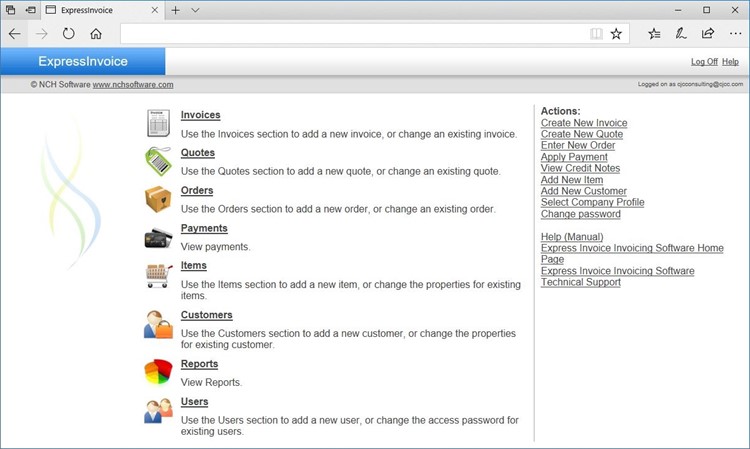
See how Express Invoice can work for youManage customer invoices and paymentsExpress Invoice has a simple and intuitive menu structure, making creating and managing invoices easy.Working from the three main areas—the invoices section, the payments section and the reports section—you can create, manage, print, or store your invoices quickly and easily. You can also provide access to the invoice system's data via the Web Access mode, a web-based console with managed user accounts. This allows a business with multiple sales or account executives to create and update orders, quotes and invoices from their own machines. |
Main Web Console
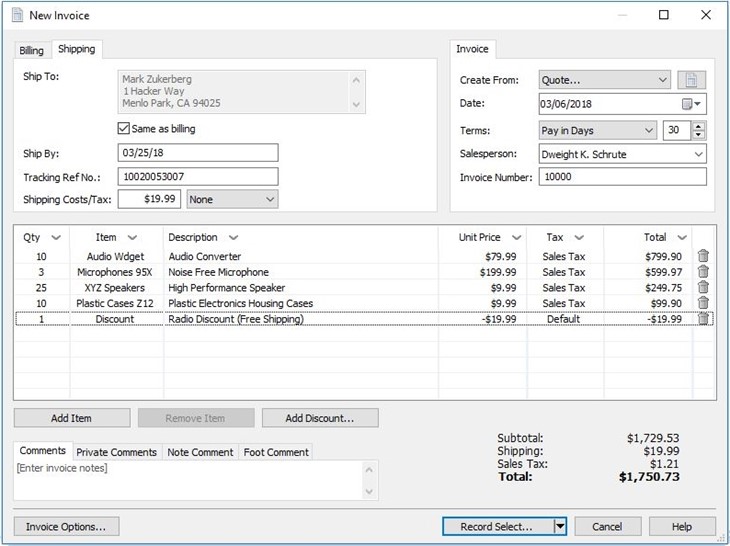
Create a New Invoice
Web AccessSetting up Web Access to Express Invoice's data files is simple. In the Options dialog, simply select to enable Web Access and then in the next tab (Web Accounts) set up user accounts with Administrator, User or Reporting access.
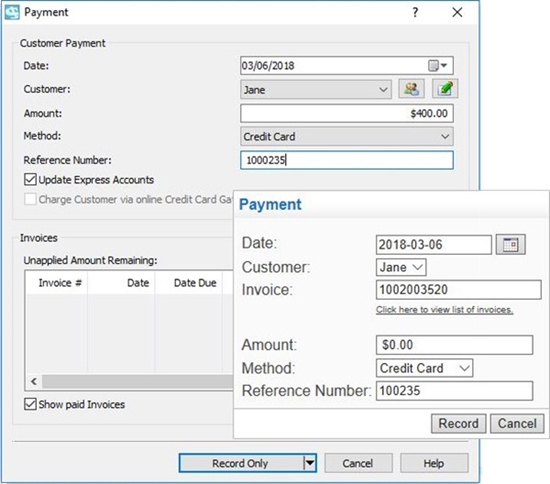
Apply Payments
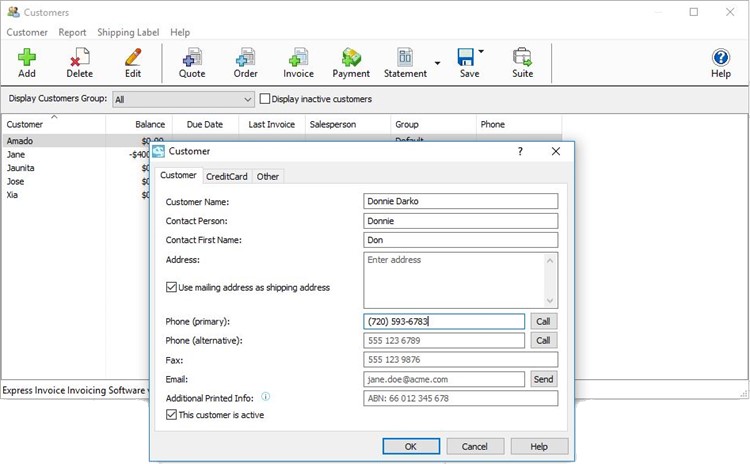
Keep Track of your Customers
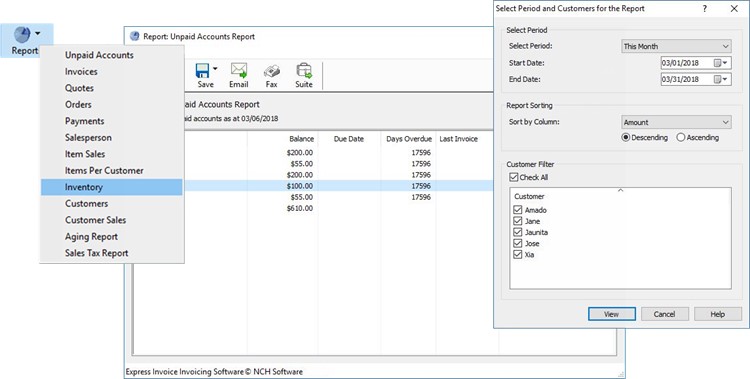
View and Print Reports
| ||
|
Useful links
Download Express Invoice |
Related Software
Time Attendance Software |
Top | Privacy | Legal | Home
© NCH Software |